Eliminate paper queues. Delight your customers.
Manage your shop's waitlist with NFC tags. Scan to complete orders, track progress, and keep customers informed — all from your phone.

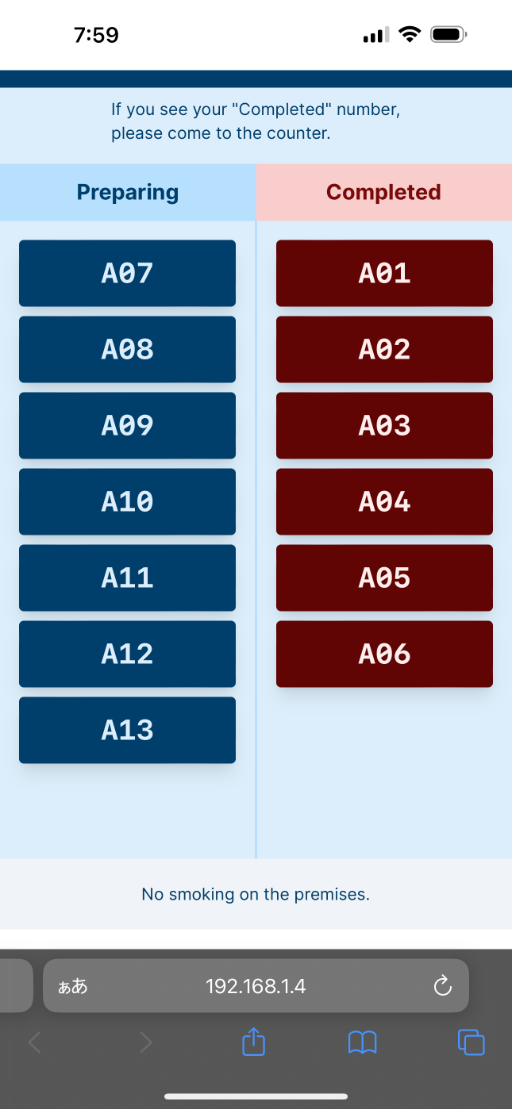

Now is the time to build an all new NFC waitlist system making customers free from waiting.
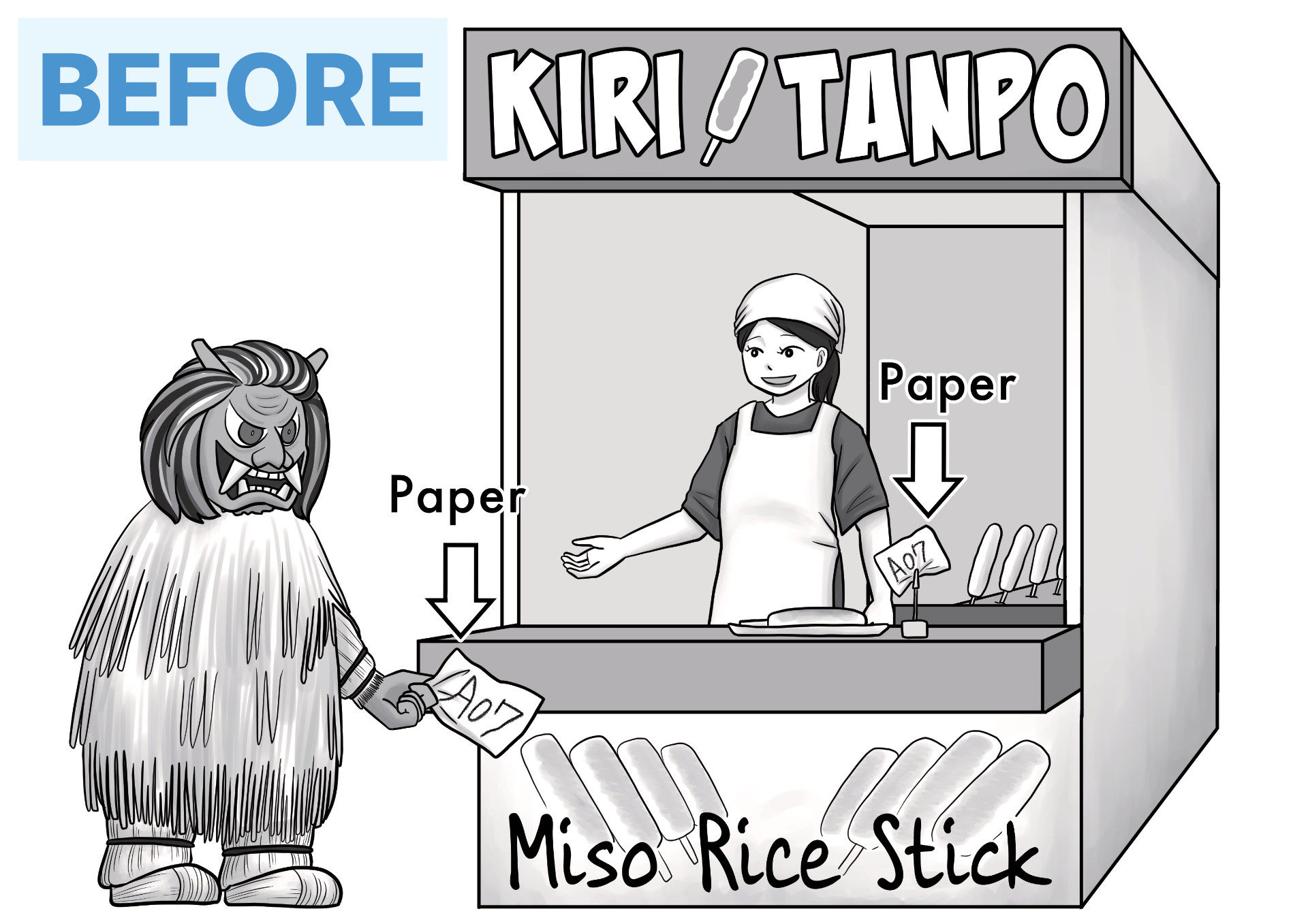
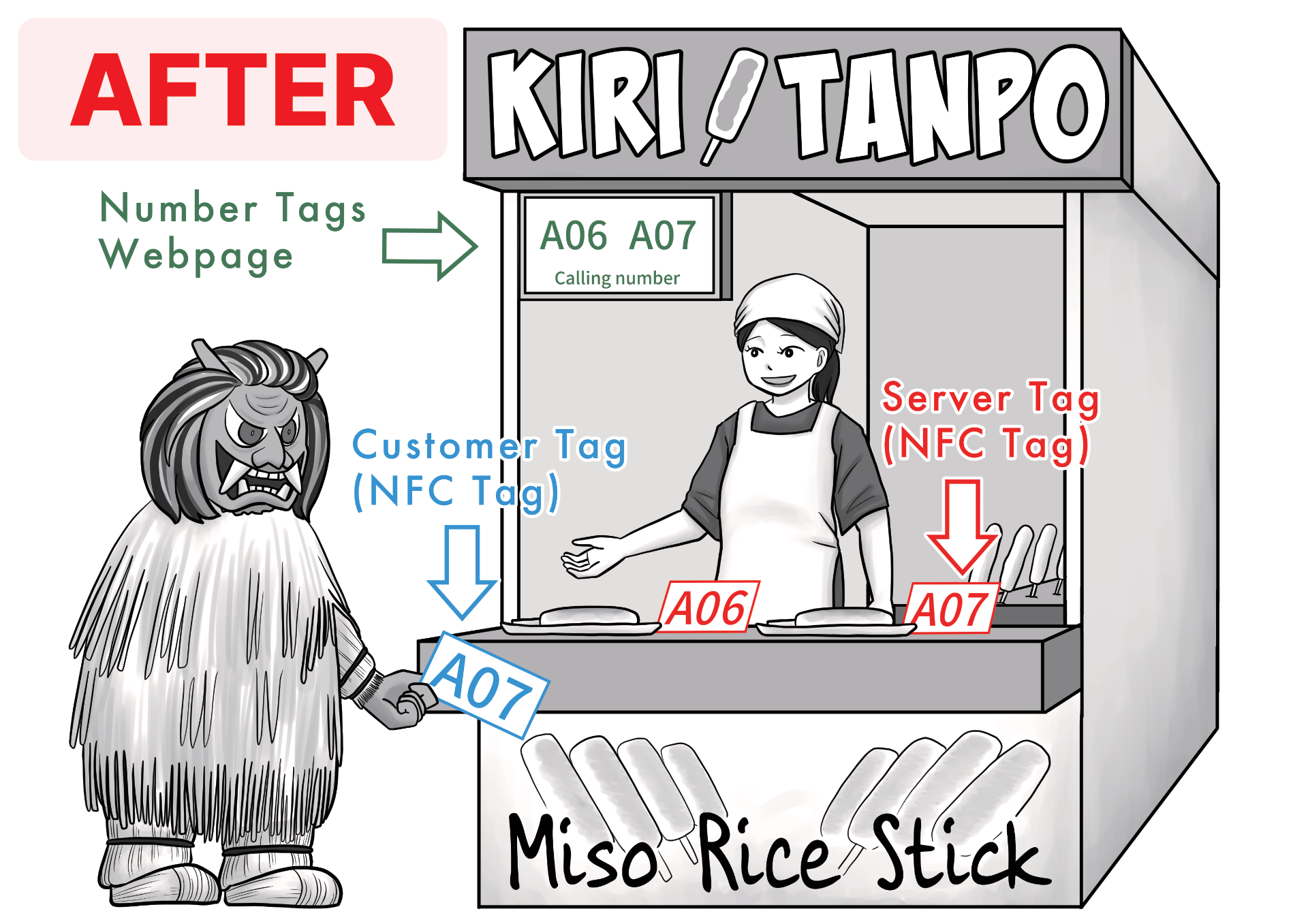
MyTurnTag Creator replaces traditional paper tags with NFC tags to efficiently manage walk-in customer waitlists. It writes application-specific information onto your NFC cards (referred to as Server Tag and Customer Tag).
For Customers:
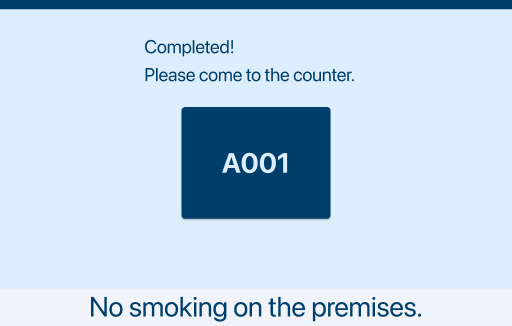
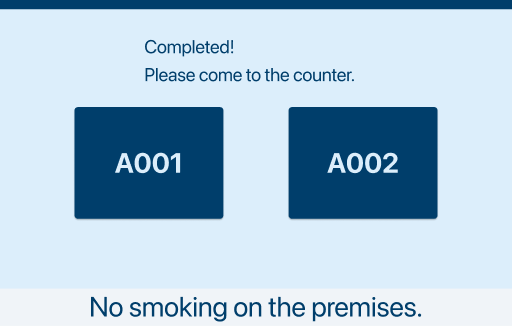
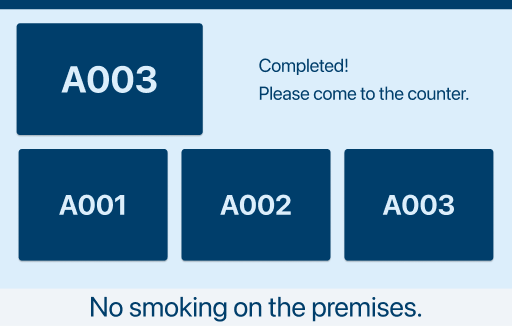
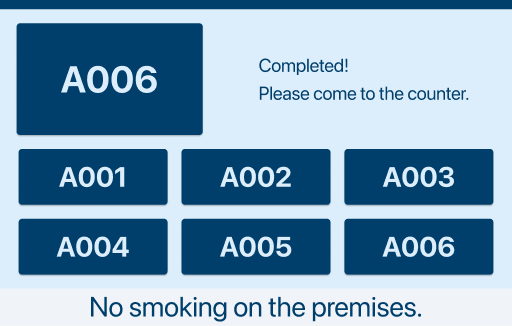
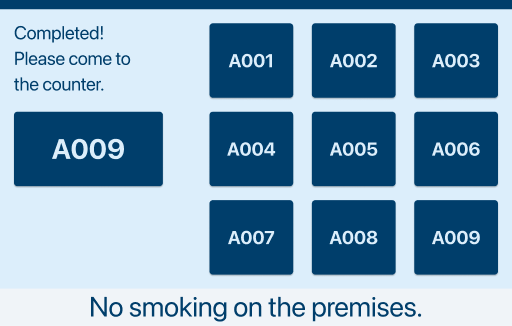
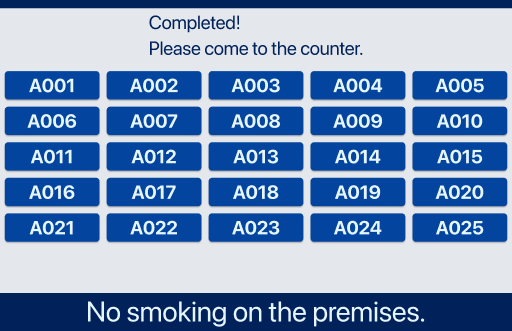
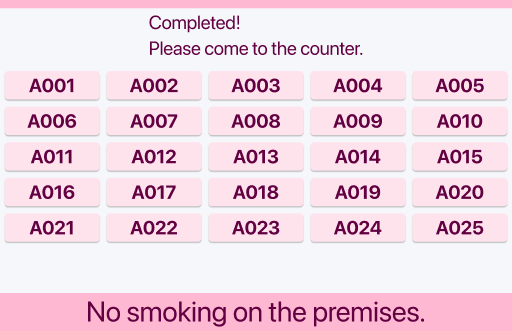
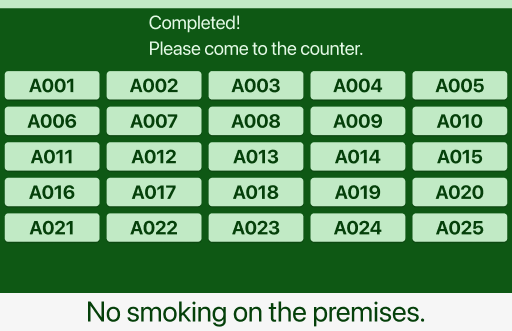
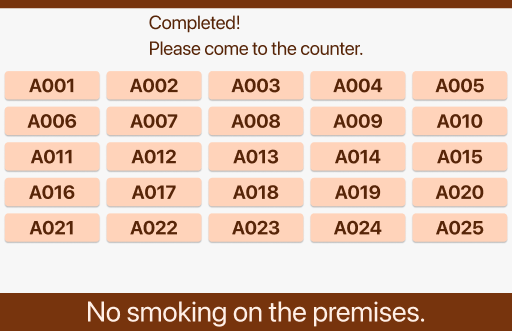
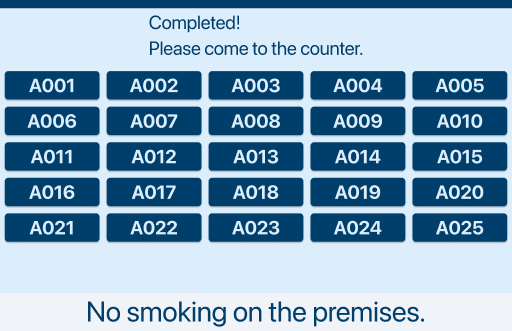
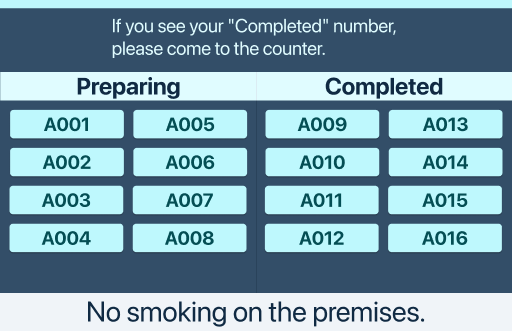
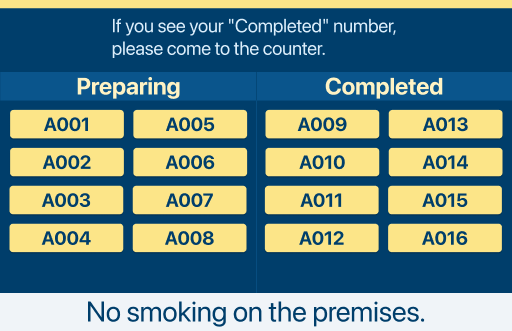
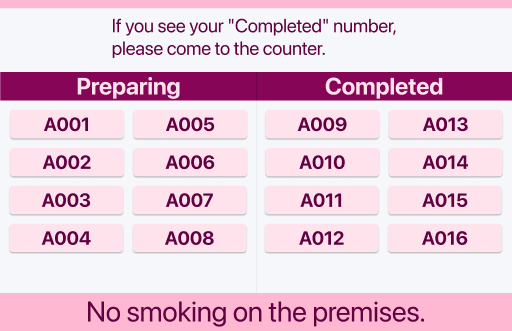
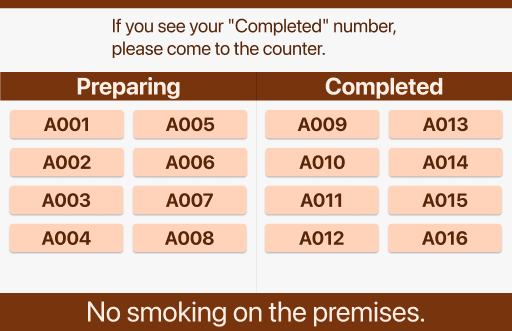
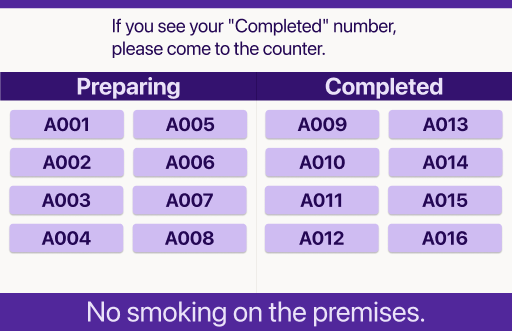
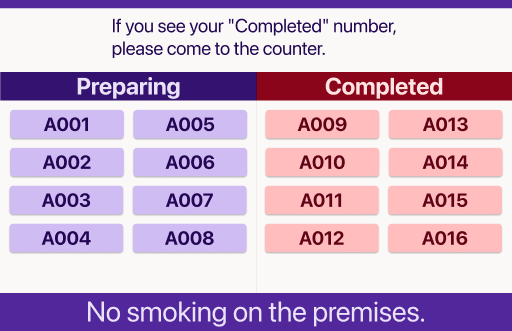
When a customer scans a Customer Tag, they can view the Number Tags Webpage (a public webpage) on their mobile browser. This page displays completed Number Tags.
For Staff:
By scanning a Server Tag paired with the Customer Tag, staff can complete a Number Tag. Completed Number Tags automatically appear on the Number Tags Webpage for customer reference.
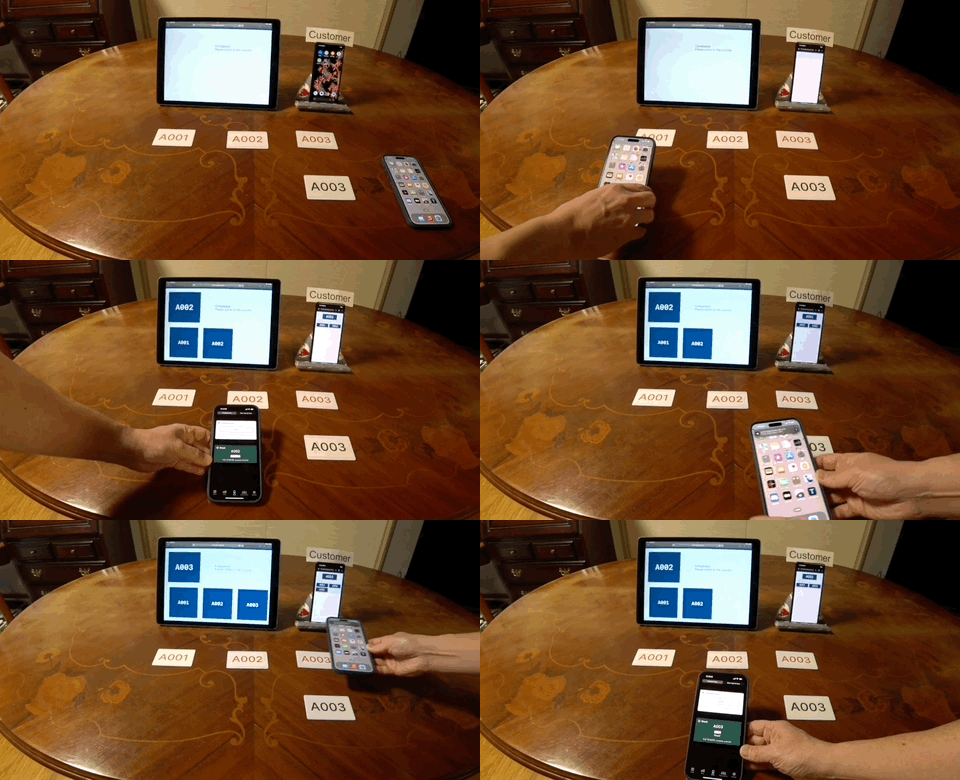
Build a waitlist system more easily and at lower cost!
- MyTurnTag Creator for iOS / Android
- Device that can display a web page
- NFC or QR code(The app works even without NFC)
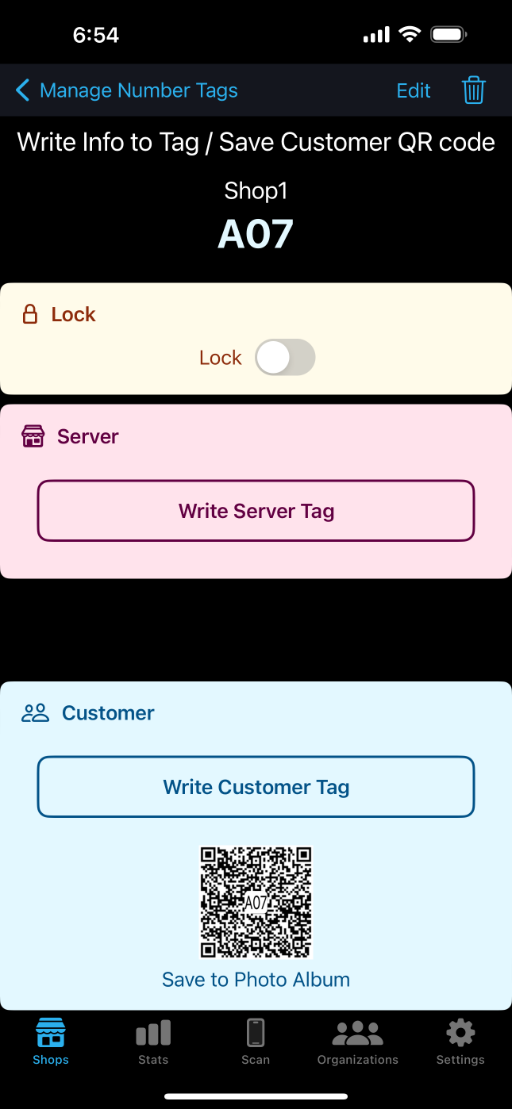
Write tags
Write an application info to pair Number Tags(Sever Tag and Customer Tag) or Customer QR code
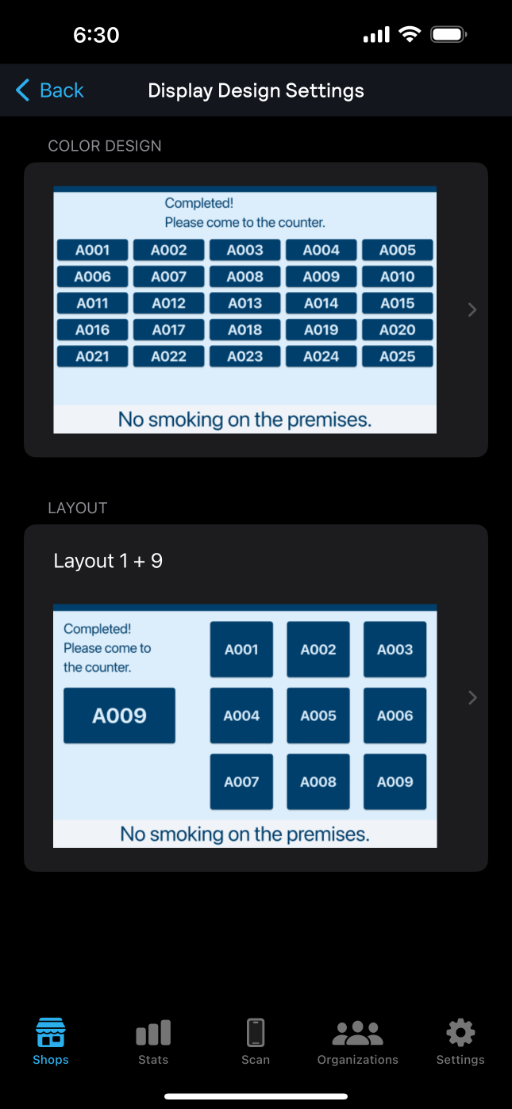
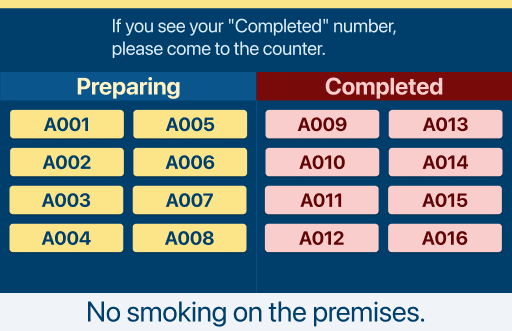
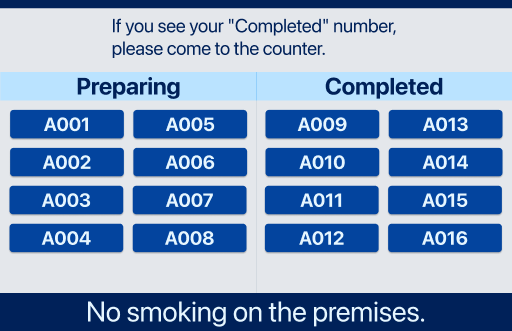
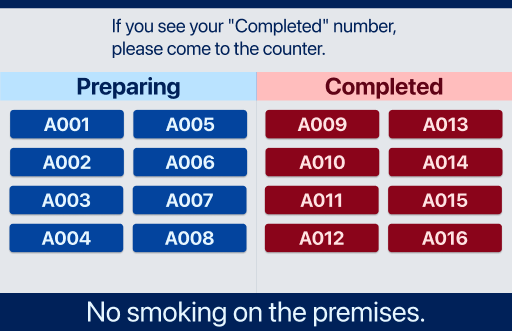
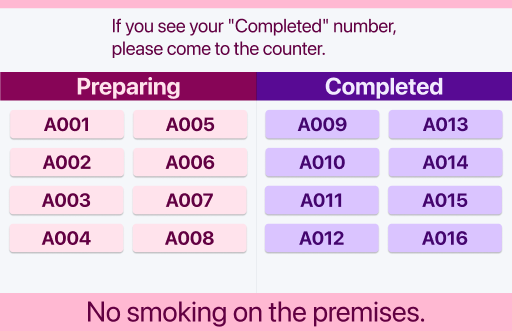
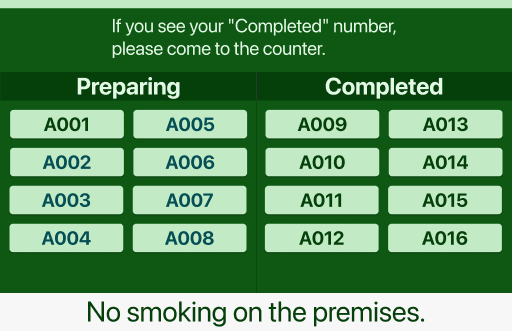
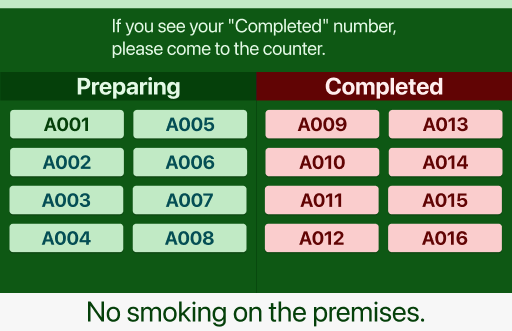
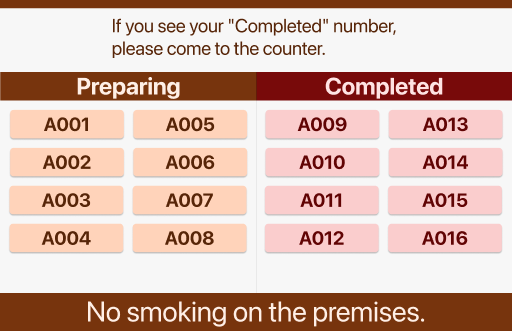
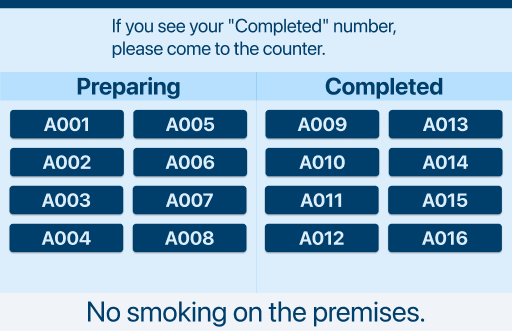
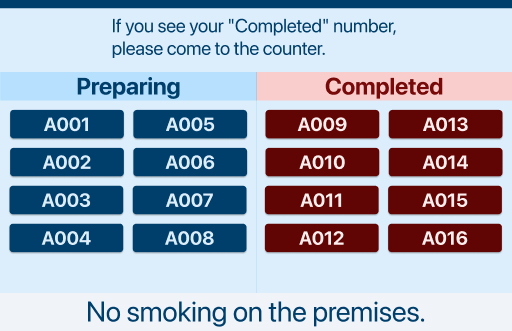
Change Number Tags Webpage color design and layout
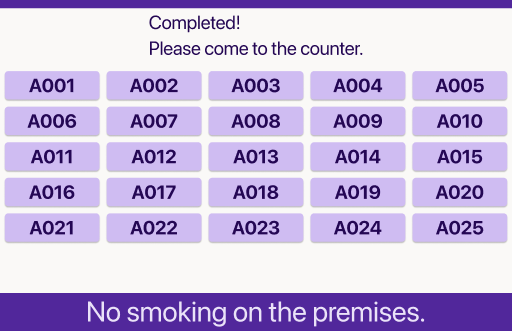
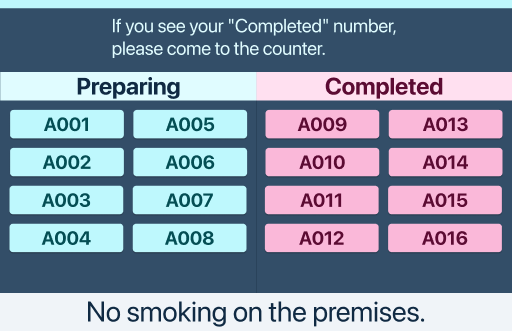
Number Tags Webpage is a public webpage showing completed number tags.
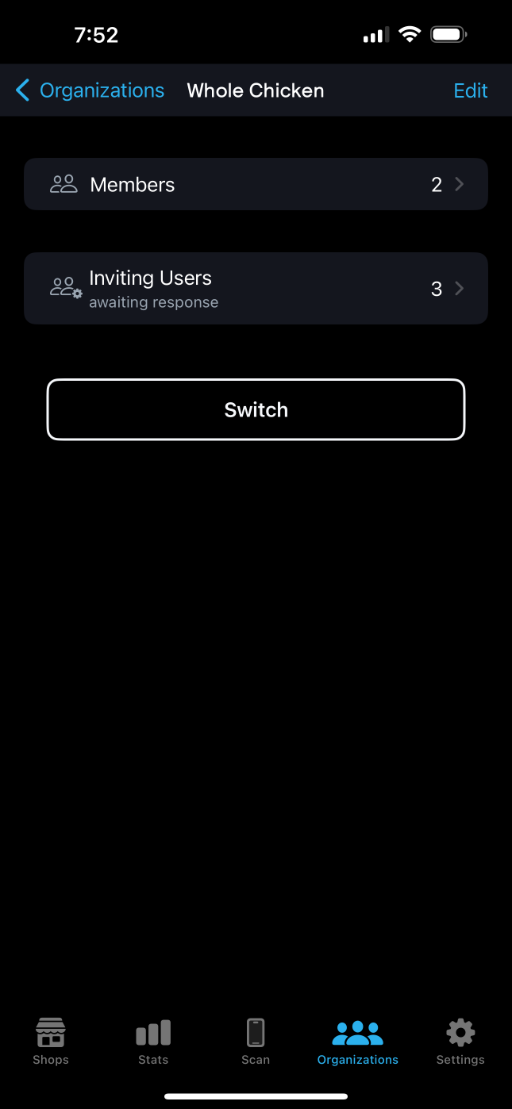
Invite staffs to organizations
You can create organizations and invite staffs to the organizations.
Create Organizations
You need to create Organizations for inviting other staffs. Private Organization is not allowed to invite other staffs.
Invite to the Organization
Invite other staffs to the Organization.
Create Shops
Create Shops belonging to the Organization.
Create Number Tags
Create Number Tags belonging to the Shop.
Write an info to a NFC or a QR code
Write an info to paired NFC Number Tags(Server Tag / Customer Tag) or a Customer QR code.
Scan for completing
Scan the Server Tag for completing the Number Tag.
Number Tags Webpage
Selectable Layouts
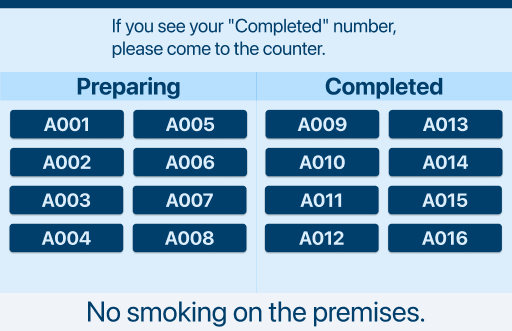
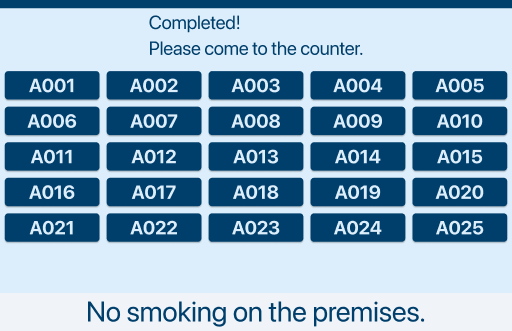
Selectable Color Designs (Normal Mode)
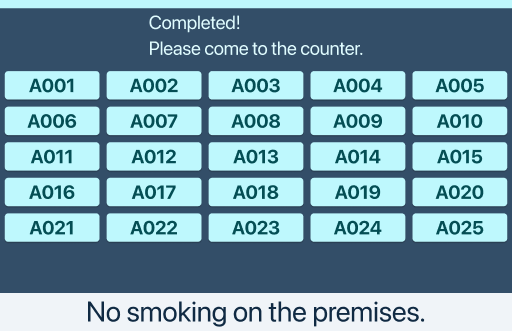
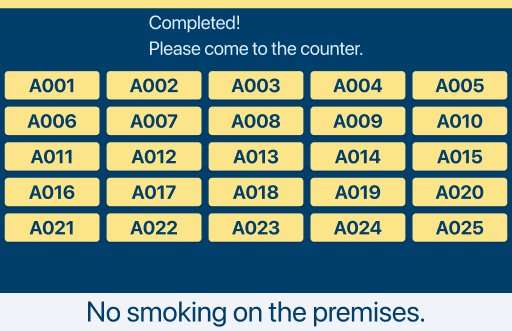
Selectable Color Designs (Preparing Mode)
Simple pricing for every shop.
Start free. Upgrade when you're ready. One subscription covers your entire organization.
Free
$0
Create your first shop, scan tags, and complete orders — all for free, with no limits.
- Create shops and queue tags
- Write NFC tags
- Scan to complete orders
- Real-time queue tracking
- No limits on free features
Pro
$9.99/mo
Unlock advanced features for your entire organization. Start with a 1-week free trial.
- Everything in Free
- Statistics & analytics
- Team & organization management
- Multiple shops
- Display customization
Prices are in US dollars; in other countries Apple and Google set the local price, and the price you pay is the one your store shows.
Case Study
“It is now possible to check the number of people waiting and whether customers have been called using the web browser on the store's iPad and the web browser on the customer's smartphone.”

Haruka Shibata
CEO, Bata Manga Studio
Get started in 3 steps
From download to your first queue — in under a minute.
Download the app
Get MyTurnTag Creator free on iOS or Android.
Create your shop
Set up your shop and write queue numbers to NFC tags.
Start scanning
Hand tags to customers and scan to mark orders complete.